
Every year, thousands of people end up in the hospital because of unexpected reactions between their medications. Some of these reactions aren’t obvious - a common painkiller mixed with an antidepressant, or an herbal supplement taken with blood pressure medicine. These aren’t rare mistakes. In fact, about 6.7% of all hospital admissions are linked to avoidable drug interactions. That’s where a drug interaction checker tool comes in. But using one isn’t as simple as typing in your meds and hitting search. If you don’t know how to use it right, you might miss something serious - or waste time on false alarms.
What a Drug Interaction Checker Actually Does
A drug interaction checker doesn’t guess. It compares the ingredients in your medications against a database of known reactions. These databases are built from decades of clinical research, case reports, and lab studies. The tool looks for three main types of risks:- Drug-drug interactions: When one medication changes how another works in your body. For example, the antibiotic clarithromycin can slow down how your liver breaks down statins, raising the risk of muscle damage.
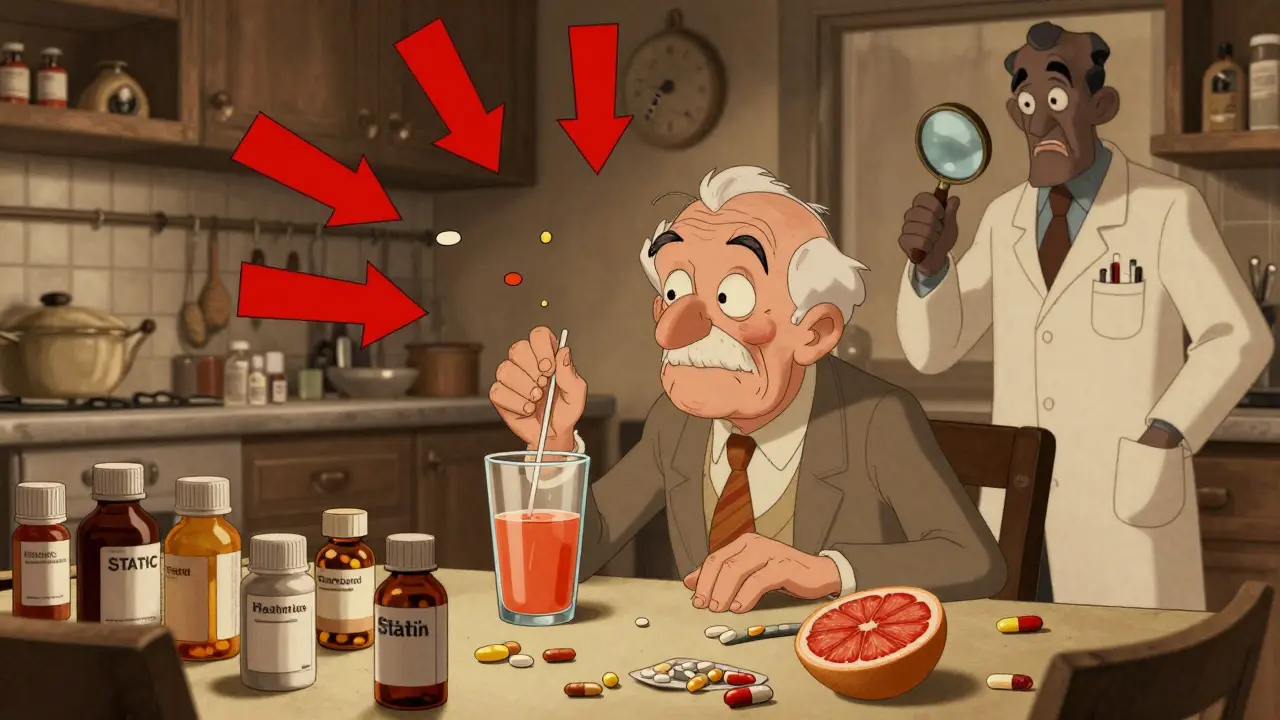
- Drug-food/drink interactions: Grapefruit juice, alcohol, and even high-sodium foods can interfere with how drugs are absorbed or processed.
- Drug-condition interactions: Some meds are risky if you have certain health conditions. For instance, decongestants can spike blood pressure in people with heart disease.
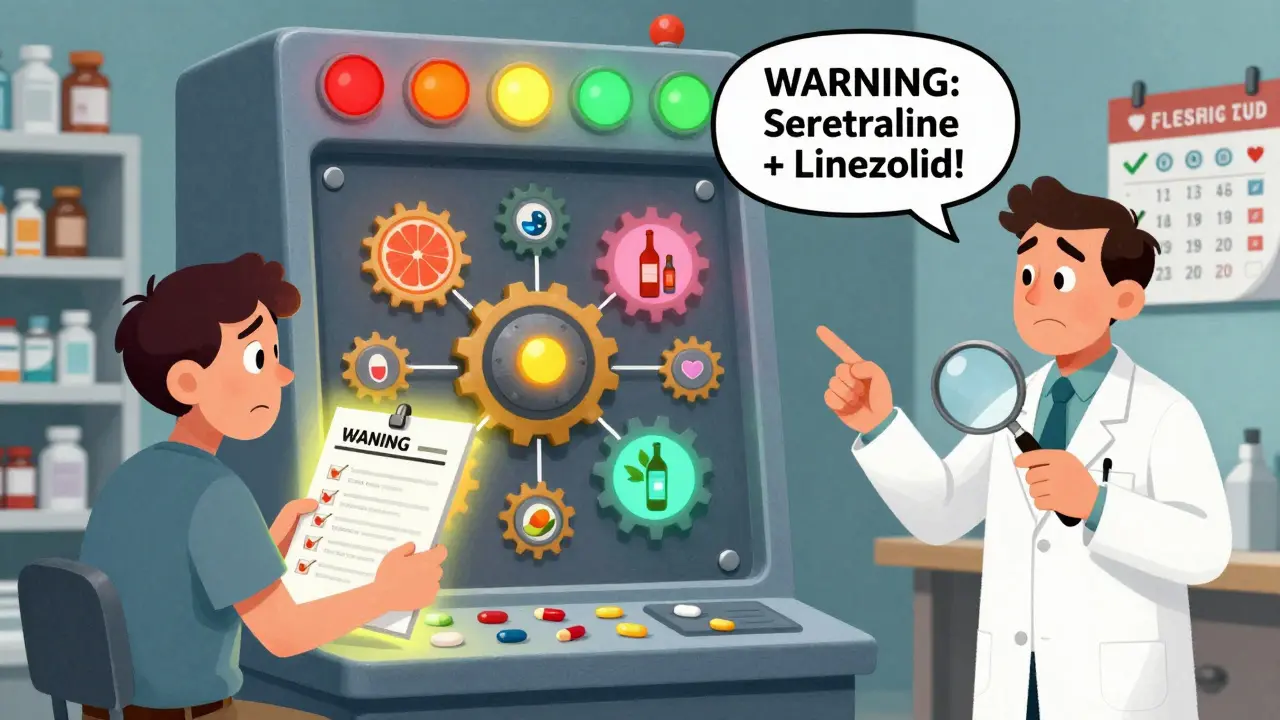
These tools don’t just say “warning.” They rank risks by severity. The University of Liverpool’s checker, for example, uses color codes: red means don’t combine, orange means monitor closely, yellow means keep an eye out, and green means it’s safe.
Not All Checkers Are Created Equal
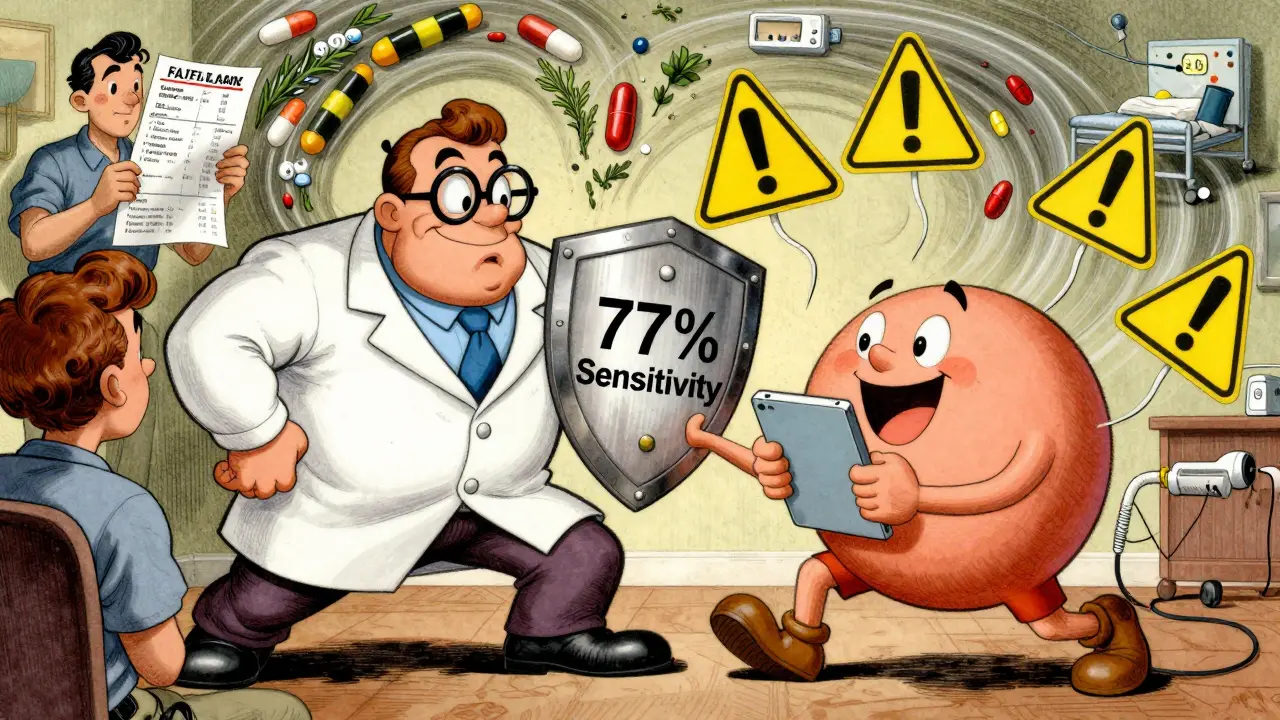
There’s a big difference between the free tools you find online and the ones hospitals use. A 2016 study by the National Institutes of Health compared five major systems and found wide gaps in accuracy.| Tool | Sensitivity (Detects Real Risks) | Specificity (Avoids False Alarms) | Comprehensiveness | Best For |
|---|---|---|---|---|
| Lexi-Interact | 77% | 70% | 370/534 | Comprehensive screening |
| Micromedex | 72% | 78% | 330/534 | Reducing alert fatigue |
| iFacts | Not tested | Not tested | 134/134 | Most complete database |
| Epocrates | 60.3% | Not tested | Low | Mobile convenience |
| Medscape | 49% | Not tested | Low | General reference |
| WebMD / Drugs.com | ~60% | ~70% | Moderate | Consumer use |
Here’s the thing: the most accurate tools - Lexi-Interact and Micromedex - are mostly used in hospitals. If you’re a patient, you’re probably using WebMD or Drugs.com. They’re easy to access, but they’re not perfect. One study found that consumer tools miss about 40% of serious interactions involving herbal supplements. That’s a problem because nearly 23% of dangerous drug interactions involve over-the-counter meds or natural products.
How to Use a Checker Without Getting Misled
You can’t just trust the result. You need to use the tool the right way.- Make a full list. Write down every pill, patch, liquid, vitamin, herb, and supplement you take - even if you think it’s harmless. Don’t forget things like melatonin, turmeric, or St. John’s wort. These are often left out, but they’re common culprits in interactions.
- Use the right tool. If you’re a patient, use Drugs.com or WebMD. If you’re a healthcare provider, use Lexi-Interact or Micromedex. Don’t mix and match. Stick to one trusted source per session.
- Check for brand and generic names. Some tools don’t recognize brand names. For example, “Lipitor” might not show up, but “atorvastatin” will. Enter both if you’re unsure.
- Focus on red and orange alerts. Most tools flag dozens of interactions. But only 5-10% are actually dangerous. Red means stop. Orange means talk to your doctor before continuing.
- Don’t ignore drug-condition risks. A checker might say your meds are fine together - but if you have kidney disease, liver problems, or heart failure, some drugs are still risky. These aren’t always flagged in standard checks.
One real case from the Journal of Patient Safety involved a man taking sertraline (an antidepressant) and linezolid (an antibiotic). His free online checker didn’t flag it. He developed serotonin syndrome - a life-threatening reaction. He ended up in intensive care. The interaction was well-documented. The tool just didn’t catch it.
When to Trust the Tool - and When Not To
Drug interaction checkers are powerful, but they’re not magic. Experts agree on a few hard truths:- They miss new drugs. If a medication was approved in the last 6-12 months, it likely hasn’t been tested against every other drug yet. The system just doesn’t have enough data.
- They don’t know your full story. Your age, weight, kidney function, or other conditions can change how a drug behaves. A checker can’t know all that unless you input it - and most consumer tools don’t ask.
- They can’t replace a pharmacist. The FDA says no checker is reliable enough for people taking five or more medications. That’s why pharmacists still review every script.
Dr. David Flockhart, a leading pharmacologist, put it simply: “DDI checkers are essential but imperfect tools that must be paired with clinical judgment.” That means: use them, but don’t rely on them alone.
The Best Free Tool for Everyday Use
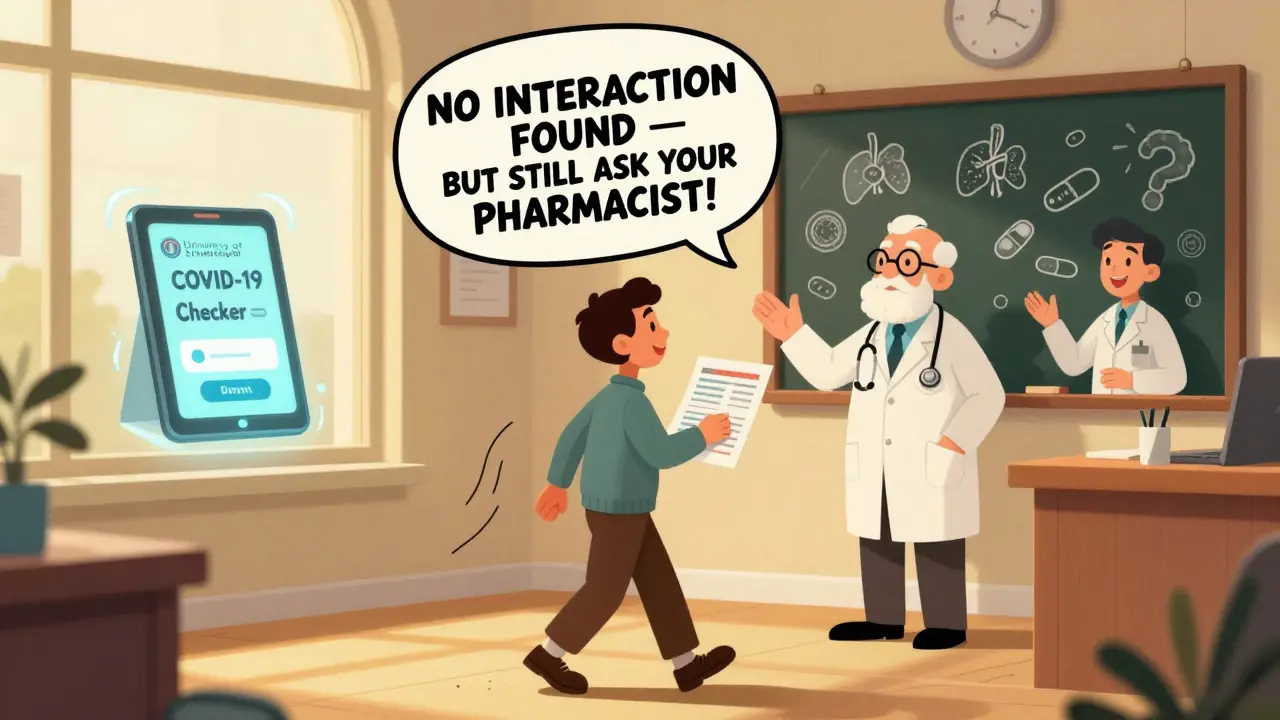
For most people, Drugs.com is the best free option. It’s simple, accepts both brand and generic names, and includes herbal supplements - something many clinical tools skip. It also shows you what to do if an interaction is found: “Avoid,” “Monitor,” or “Consult doctor.”The University of Liverpool’s COVID-19 Drug Interaction Checker is a standout for specialty use. If you’re taking Paxlovid (nirmatrelvir/ritonavir), this tool is the gold standard. It’s updated weekly with new evidence and includes over 1,200 possible interactions. It’s not for general use, but if you’re on this treatment, it’s non-negotiable.
What to Do After You Get Results
Don’t just close the tab. Take action:- If you see a red alert: Call your doctor or pharmacist before taking the next dose.
- If you see an orange alert: Ask if you need a dose change or more frequent monitoring (like blood tests).
- If nothing shows up: Still ask your pharmacist. Some interactions are too rare or complex for even the best tools to catch.
- If you’re unsure: Print the results and bring them to your next appointment. It saves time and shows you’re being proactive.
Many people think if a checker says “no interaction,” they’re safe. That’s a dangerous myth. Studies show even the best tools only catch 85-90% of possible interactions. The rest? They’re hidden in the data gaps.
Final Advice: Use It as a Conversation Starter
The real value of a drug interaction checker isn’t in the warning - it’s in the conversation it starts. When you walk into a pharmacy or doctor’s office with a printed report of your meds and flagged risks, you’re not just asking for help. You’re taking control.Pharmacists in Australia and the U.S. say patients who use these tools are more likely to ask questions, follow instructions, and avoid hospital visits. One 2023 survey found that 68% of pharmacists recommend patients use online checkers - but only if they follow up with a professional.
So use the tool. But don’t stop there. Make it part of your routine - before you refill a prescription, before you start a new supplement, before you mix anything new into your daily routine. Because when it comes to your medications, the safest choice isn’t the one the app says is fine. It’s the one you’ve talked through with someone who knows your body.
Can I trust free drug interaction checkers like WebMD or Drugs.com?
Yes - but with limits. Free tools like Drugs.com and WebMD are good for basic checks and catching common interactions, especially with supplements. However, they miss about 40% of serious interactions involving herbal products or newer medications. They’re best used as a first step, not the final answer. Always confirm with a pharmacist, especially if you’re taking five or more medications.
Why does my drug interaction checker show so many warnings?
Most tools are designed to be overly cautious. They flag every possible interaction, even ones that are unlikely or harmless in real life. For example, a warning about grapefruit juice might appear even if you never eat it. Clinical systems like Lexi-Interact generate up to 45% false alerts. Focus only on red and orange warnings - those are the ones that matter. Ignore yellow and green unless your doctor advises otherwise.
Do drug interaction checkers cover herbal supplements and vitamins?
Some do, but not all. Tools like Drugs.com and Lexi-Interact include many herbal products, but others - especially Epocrates and older systems - have weak or missing data. St. John’s wort, garlic, ginkgo, and turmeric are common supplements that interact with blood thinners, antidepressants, and blood pressure meds. Always list them by their full name. If the tool doesn’t recognize it, ask your pharmacist directly.
Are drug interaction checkers used in hospitals?
Yes. About 82% of U.S. hospitals integrate tools like Lexi-Interact or Micromedex directly into their electronic health records. These systems automatically scan prescriptions as they’re written and flag risks in real time. But even in hospitals, pharmacists still review every alert. The tool helps - it doesn’t replace human judgment.
What should I do if a checker says my meds are safe, but I still feel weird?
Trust your body. No checker can predict every individual reaction. If you feel dizzy, nauseous, unusually tired, or notice changes in your heart rate or mood after starting a new med or supplement, stop taking it and contact your doctor. Side effects can happen even without known interactions. Your symptoms matter more than any algorithm.
Is there a tool that checks for interactions with food and alcohol?
Yes. Drugs.com and WebMD include food and alcohol interactions. For example, they’ll warn you that alcohol can increase drowsiness with anxiety meds, or that grapefruit can raise the level of statins in your blood to dangerous levels. The University of Liverpool’s tool also includes alcohol warnings for COVID-19 treatments. Always look for the “drug-food” section in the results.
Can I use a drug interaction checker for my pet’s medications?
No. All major drug interaction checkers are designed for human medications only. Animals metabolize drugs differently - what’s safe for you could be deadly for your dog or cat. Always consult a veterinarian for pet medication safety.
How often should I check for drug interactions?
Check every time you start a new medication, supplement, or over-the-counter product. Also check after a hospital visit, if your doctor changes your dose, or if you begin seeing a new specialist. Even if you’ve used the same meds for years, new interactions can emerge as your health changes. A quick check takes less than five minutes - and could prevent a hospital visit.
Cassandra Collins
lol so you're telling me drugs.com is the gold standard but they miss 40% of herbal interactions?? what a joke. i bet they're paid off by big pharma to downplay the real dangers. i took turmeric with my blood thinner and my doc said it was fine but i know better. they don't want you to know how many people get poisoned by these 'safe' combos. #conspiracy
Dylan Smith
I've been using Lexi-Interact at work and it's insane how many false alerts it gives. Like 30 warnings for one script and half of them are like 'avoid grapefruit' but the patient hasn't eaten fruit in 5 years. Still better than nothing I guess but it makes people tune out. You gotta know which alerts actually matter
Souhardya Paul
This is actually one of the clearest breakdowns I've seen on this topic. A lot of people think these tools are magic but the reality is they're just a starting point. I always tell my patients to print out the results and bring them to their pharmacist. It's not about trusting the app - it's about starting a conversation. The real safety net is still the human being who knows your history.
Josias Ariel Mahlangu
I find it disgusting that people rely on free websites to manage their health. In my country we have trained pharmacists who review every script. No app can replace years of education and clinical experience. If you're taking more than three medications you should be seeing a professional - not Googling like a teenager.
Arun ana
I use Drugs.com daily and love the emoji flags 🚩🔴🟡🟢. It makes it so easy to scan. I take 7 meds + ashwagandha + omega-3 and it caught a red flag between my BP med and the supplement that my doctor missed. I printed it and showed my pharmacist - she said I was lucky I checked. Now I check every time I refill. Life saver 💯
Dave Alponvyr
So you spent 1000 words saying 'use the tool but don't trust it'. Congrats. You just wrote a textbook on common sense.
Kim Hines
I checked my meds last week. Nothing showed up. Still felt weird after taking the new painkiller. Stopped it. Went to the doc. Turns out it was a rare side effect no tool would catch. Tools are helpful. But your body knows first.
Joanna Ebizie
You're all being so naive. Of course these tools are flawed. They're made by corporations who profit from you staying sick. They want you to think you're safe so you keep buying pills. The real solution? Stop taking all of it. Natural healing. No apps. No drugs. Just clean living. You're being manipulated.
Elizabeth Bauman
I'm proud to be American and use Drugs.com - it's way better than those European systems. I checked my meds and saw a red flag on my statin. Called my pharmacist, they confirmed. Saved me from a hospital stay. These tools work if you use them right. Don't let the haters scare you. We're smarter than the algorithm.